
.webp)
New Contact Tools to Help You Better Care for Your Community
Staying organized isn’t just about efficiency; it’s about better care, better communication, and a stronger connection.
That’s why we’re excited to introduce a few new contact-management features in SocialGlow that make it easier to understand your members, personalize your outreach, and grow your church community with intention.
These updates give you more flexibility and control over your contacts, without adding complexity.
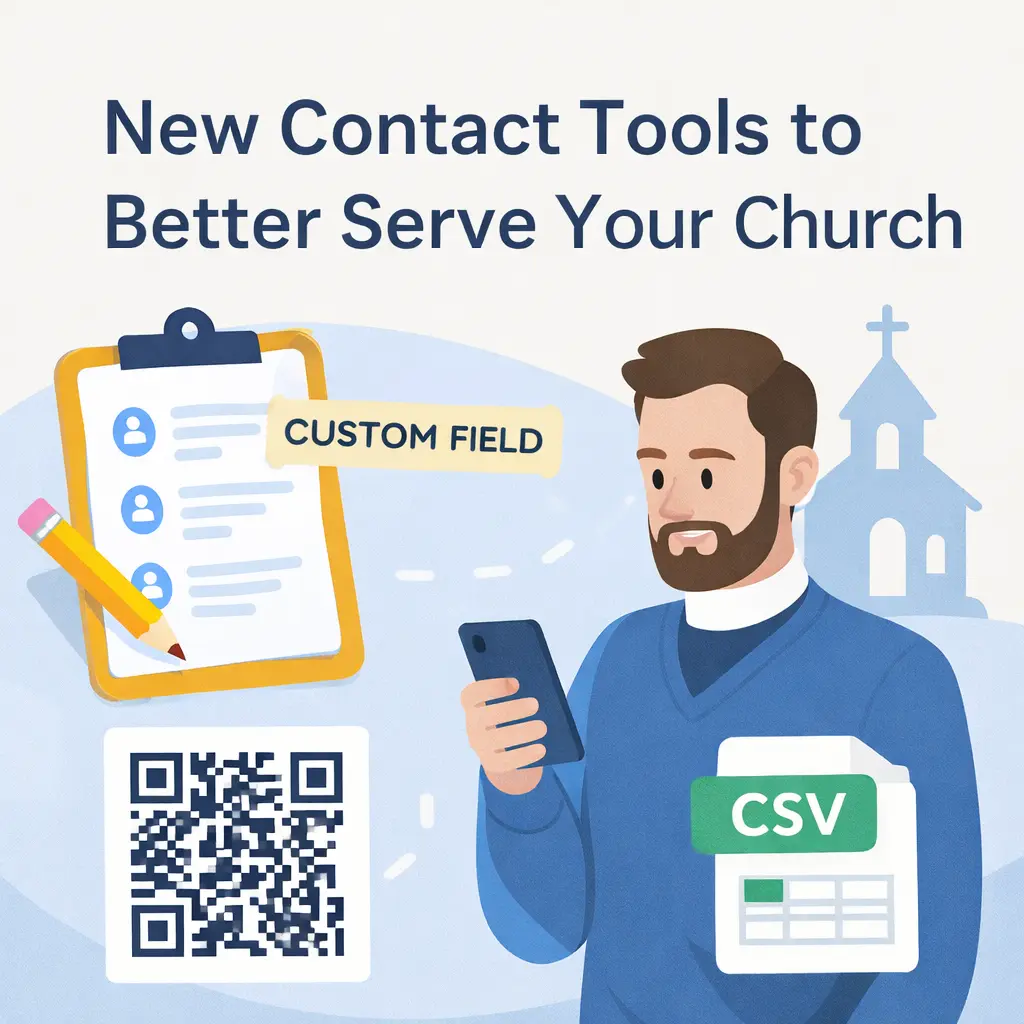
Import Contacts Easily with CSV Uploads
Getting started in SocialGlow is now faster than ever.
With CSV contact imports, you can upload your existing contact list directly into SocialGlow, no manual entry required. Whether you’re moving from another system or organizing contacts from a spreadsheet, this feature helps you bring everyone into one central place quickly.
This is especially helpful for:
- Churches migrating from another platform
- Uploading event or visitor lists
- Keeping staff and volunteer contact records organized
Once imported, your contacts are ready to be tagged, grouped, messaged, and engaged.
Customize Your Contacts with Custom Fields
Every church is unique, and now your contact list can be too.
SocialGlow comes with default contact information like:
- Name
- Email address
- Phone number (if provided)
- Tags and notes
- Group memberships
But sometimes you need more context.
With the new Add Custom Field feature, you can create your own columns to track the information that matters most to your ministry.
How Custom Fields Work
From your contacts list, simply click Add Custom Field and:
- Enter a field name (this becomes the column title)
- Choose a field type:
- Text (e.g. City, Campus, Volunteer Role)
- Date (e.g. Birthday, Membership Date)
- Number (e.g. Household Size)
- Text (e.g. City, Campus, Volunteer Role)
- Optionally set a default value
- Click Save
Your new field will instantly appear in your contacts list. To add or update information, just click the edit icon next to a contact’s name and fill it in.
This makes it easier to:
- Personalize communication
- Track meaningful details about your members
- Serve your community with greater care and attention
Share a QR Code for e-Giving
We’ve also made e-Giving even more accessible.
You can now generate and share a QR code for giving, making it easy for members to donate in seconds, whether they’re in a service, at an event, or viewing a printed announcement.
Perfect for:
- Church slides
- Printed bulletins
- Event signage
- Welcome tables
Members simply scan the code and are taken directly to your giving experience, no searching, no friction.
Built to Support Real Ministry
These updates are designed to help you spend less time managing tools and more time building relationships.
From importing contacts to tracking meaningful details to making generosity simple and accessible, SocialGlow continues to grow alongside your church.
We hope these new features help you stay organized, connected, and focused on what matters most.
If you have questions or need help getting started, our team is always here for you.


